The right reactions stay ready.
Approved game-flow, scoring, defense, count, and crowd cues remain organized for the operator instead of buried in a media folder.
FieldFire Hype
Walk-ups introduce the players. Hype Deck gives the rest of the game its reactions, with one volunteer deciding when the moment fires.
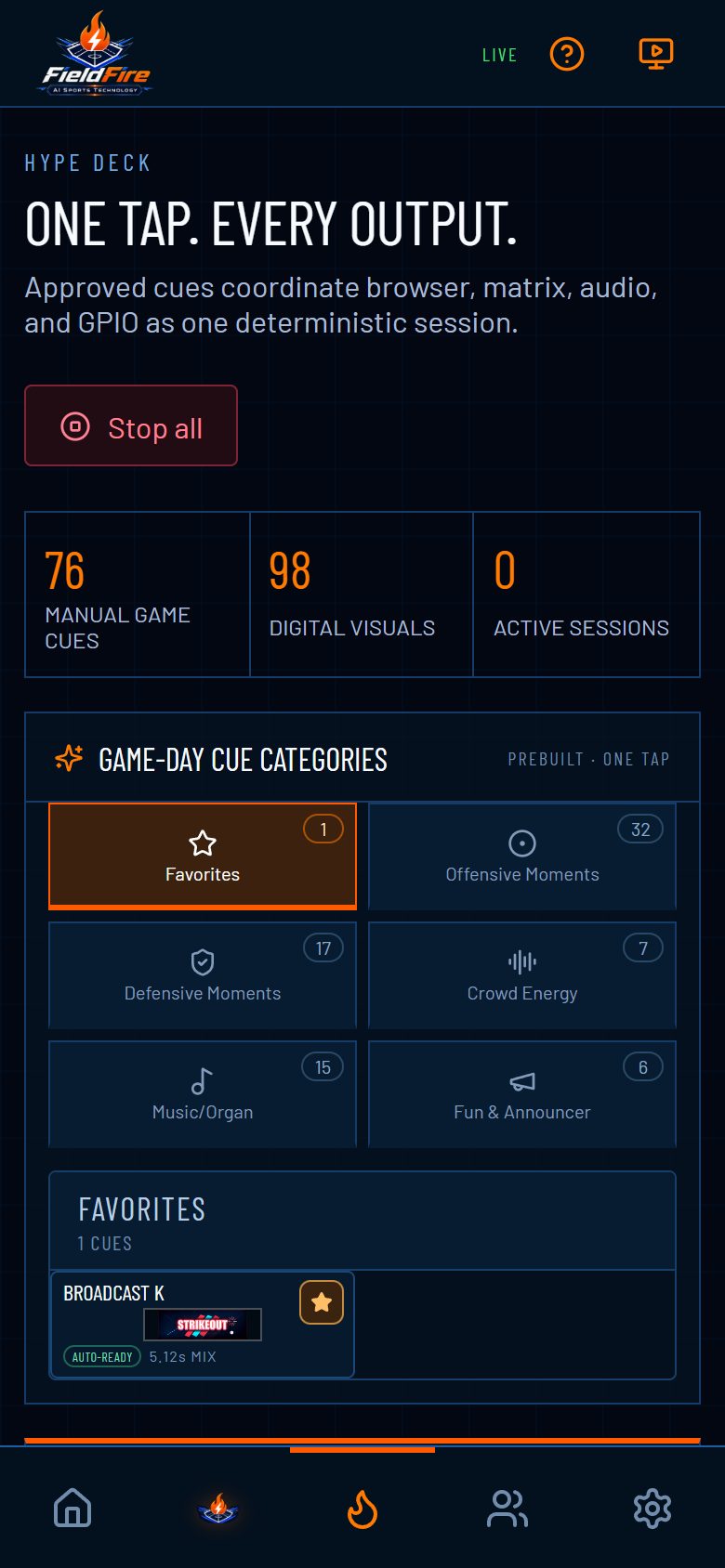
Approved game-flow, scoring, defense, count, and crowd cues remain organized for the operator instead of buried in a media folder.
Fire a manual cue when the field needs it. Game-state recommendations can surface fitting options from supported context without taking over the game.
Run Audio + Display, Audio Only, or Display Only based on the venue and the moment.
After the cue, the audience display returns to the scoreboard and the operator is ready for the next player, pitch, or event.
See it on your field
Use the speakers and screen your venue already owns, or compare FieldFire display expansions.